 EN
 Ελληνικά
 Deutsch
 Italiano
 Español
 Français
 Nederlands
 Polski
 Português
 Čeština
 Svenska
 Dansk
 Türkçe
 Română
Understanding No-Sale Drawer Openings
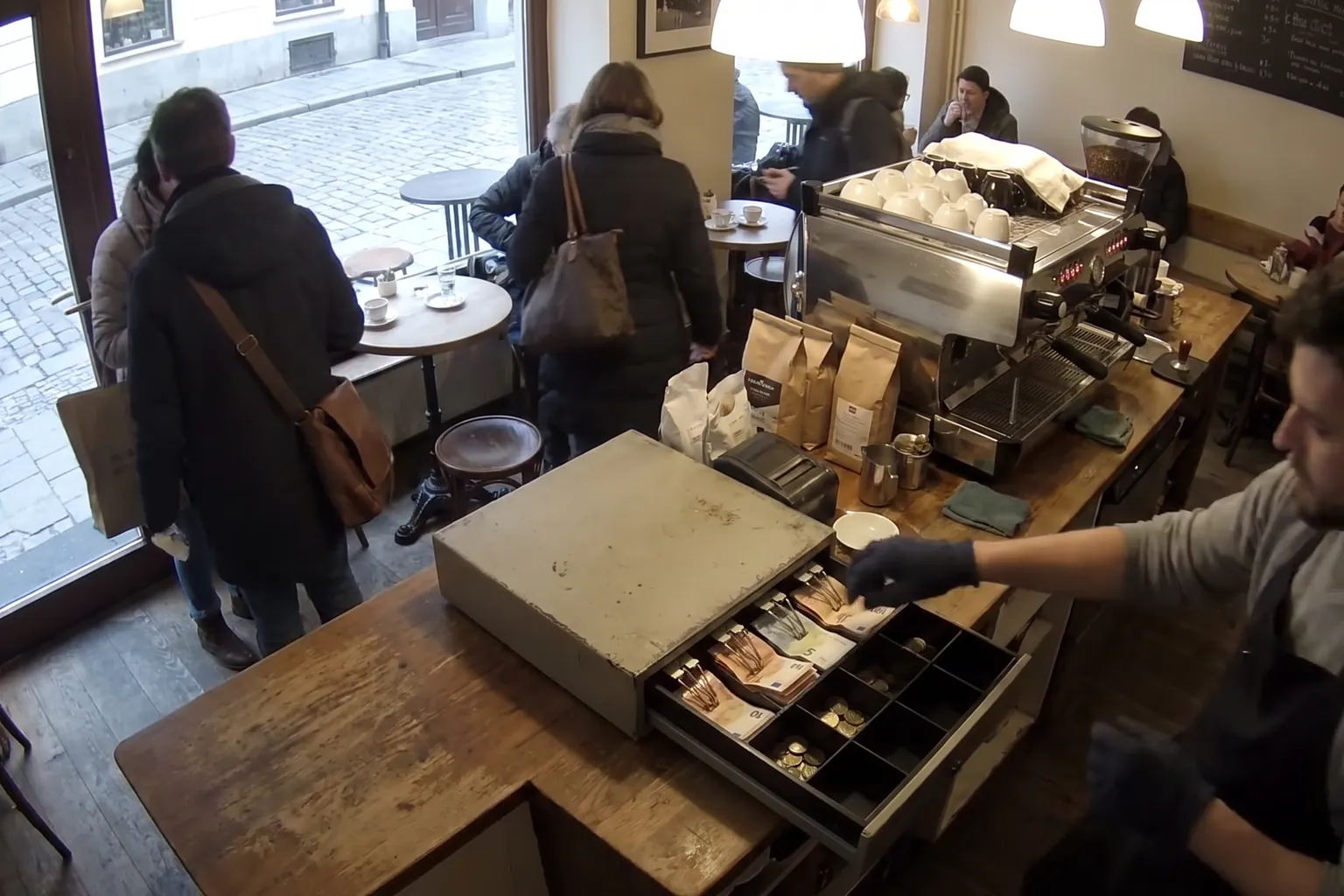
A no-sale drawer opening occurs when a till is opened without a sale being processed. This is a standard function on most POS systems, allowing staff to access cash for reasons such as providing change, correcting a mistake, or handling a refund. In fast-paced environments like fast-food restaurants, bars, and retail shops, these openings are not unusual. However, it’s important to be aware of the context and frequency of such events, as they can also be linked to operational or security concerns.
Most no-sale openings are honest and necessary. Staff may need to break large notes, give change, or retrieve coins for the float. In pharmacies or fuel stations, staff might need to access the till for legitimate non-transactional reasons. The key is to understand what constitutes normal behaviour in your type of business and to communicate clear expectations to your team.
Problems can arise when no-sale openings happen more often than expected, or without a clear reason. While mistakes and busy shifts can explain some of these, repeated unexplained drawer openings may warrant a closer look. Establishing a baseline for your business can help you distinguish between routine activity and patterns that could indicate errors or losses.
POS systems typically log every no-sale event, including the time, user, and sometimes the reason entered by staff. Reviewing these logs regularly, and comparing them to shift patterns and other activity, is a practical first step in identifying whether your no-sale openings are within a normal range.
Common Legitimate Reasons for No-Sale Events
In most businesses, there are several routine reasons for a no-sale drawer opening. Staff might need to give change for a customer who is about to make a purchase or to help a colleague. Sometimes, a manager may open the till to perform a cash count or to remove excess cash for security purposes. These are all legitimate and necessary parts of daily operations.
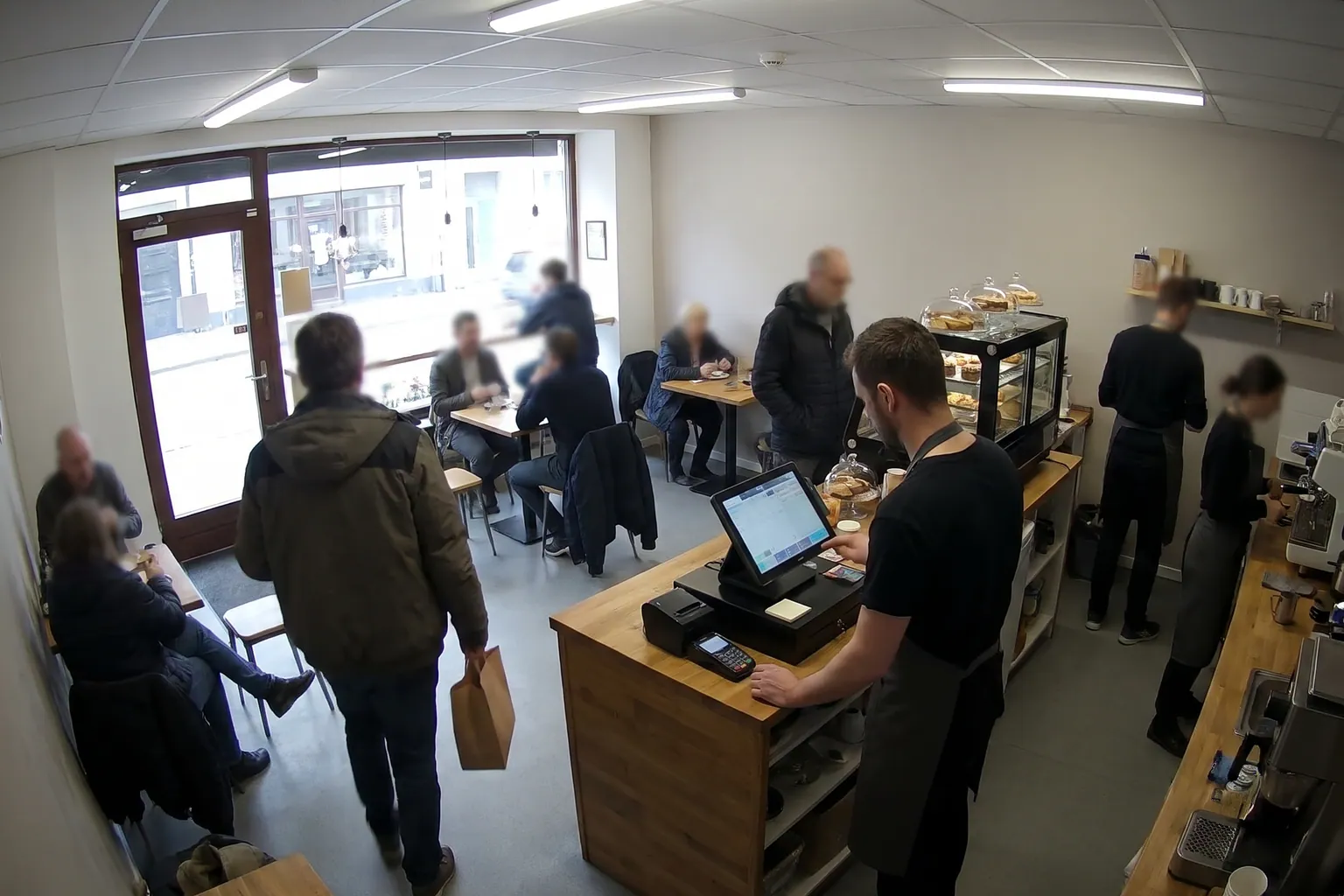
In cafés and bars, it’s common to open the till for tips or to correct a wrong entry before the transaction is finalised. Similarly, in fast-food outlets, staff may open the drawer to issue a refund or to void a mistaken order. These actions should be documented in your POS system, either automatically or by staff entering a reason code.
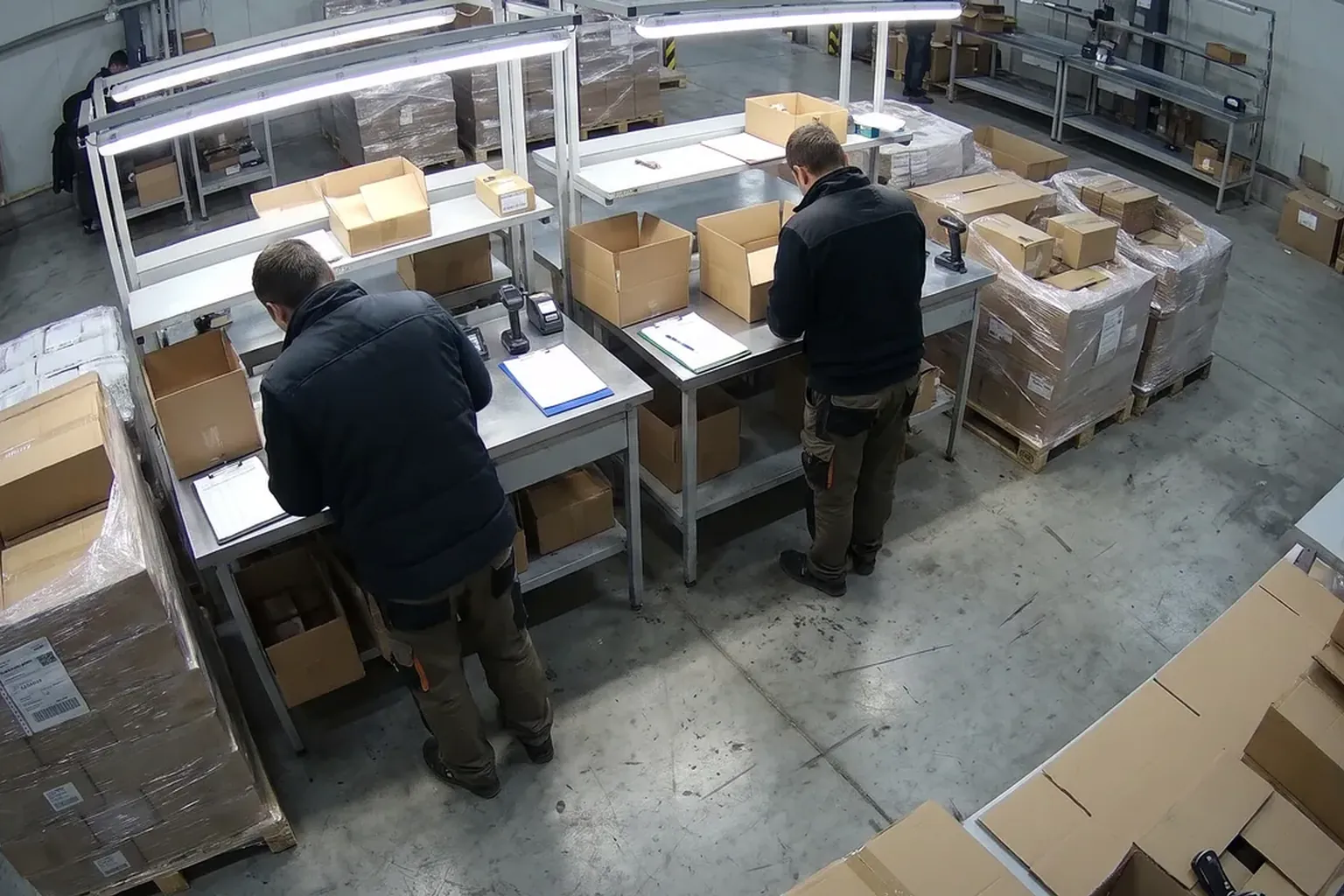
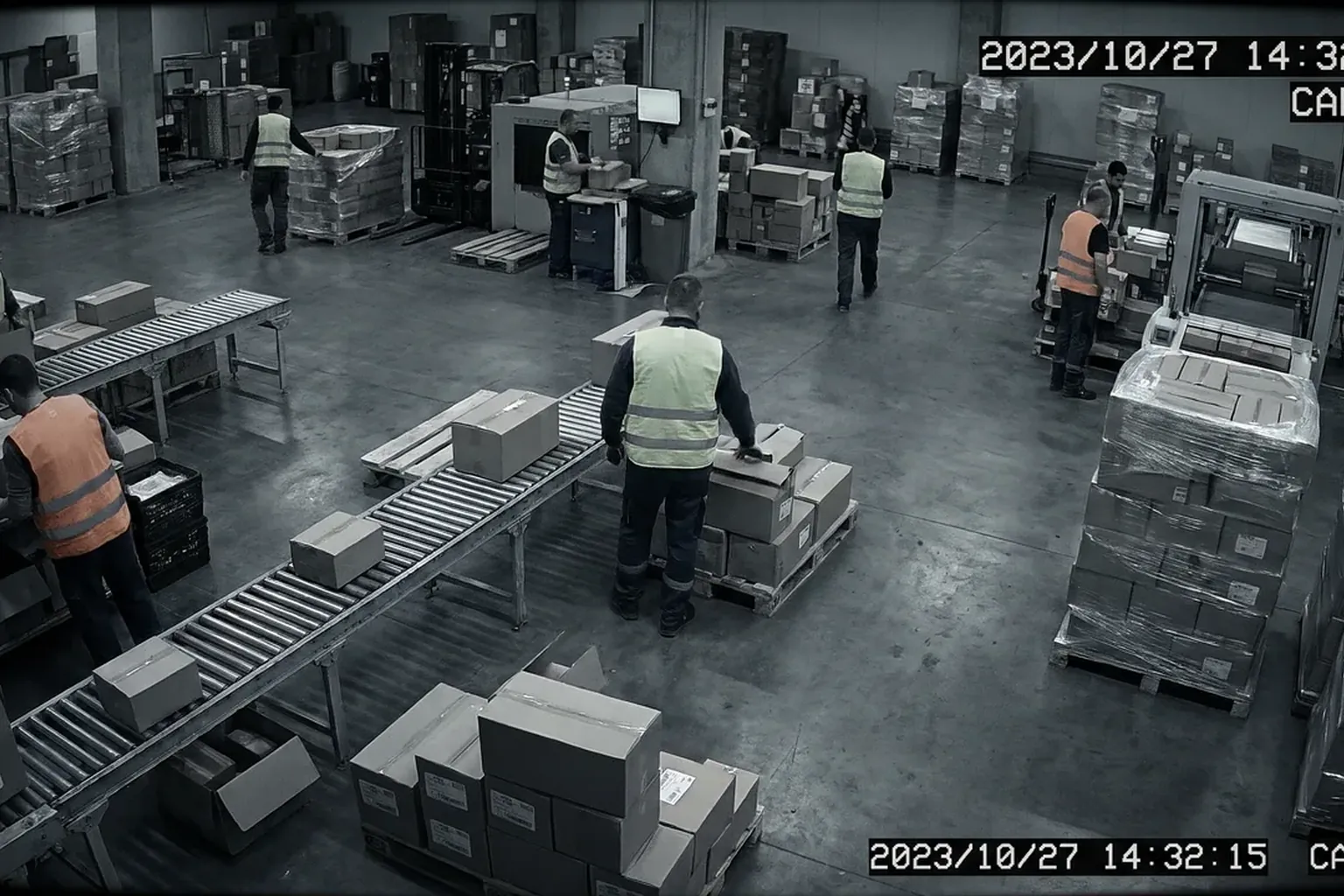
Warehouses and fuel stations may see no-sale events when handling cash floats or during shift changes. Pharmacies might need to open the till for non-sale purposes, such as handling a prescription payment that is subsequently cancelled. Understanding these patterns helps managers differentiate between routine activity and potential issues.
Encouraging staff to consistently log reasons for no-sale openings, and reviewing these notes, can help create transparency and support a culture of trust. This also makes it easier to spot when something is out of the ordinary.
When Frequent No-Sale Openings Raise Concerns
While most no-sale openings are harmless, a sudden increase or unusual timing can signal a problem. For example, if you notice a spike in no-sale events during quiet periods or late shifts, it may be worth investigating further. Patterns such as repeated openings by the same staff member, or multiple events in quick succession, are also worth noting.
Often, discrepancies are due to honest errors—such as forgetting to process a sale before opening the drawer, or staff helping each other with change. However, consistently high numbers of unexplained no-sale events can contribute to cash variances at the end of a shift. This can affect your bottom line and make it harder to identify where losses are occurring.
It’s helpful to compare no-sale event logs with other POS reports, such as cash variances, voids, and refunds. Look for connections between high no-sale activity and other unusual patterns. In some cases, these clusters may point to training needs or gaps in procedures rather than deliberate wrongdoing.
If concerns persist, consider reviewing footage from your existing cameras. Vigilessa.ai, for example, can match what happens at the till with the POS record, alerting you only when there’s a mismatch. This targeted approach helps you focus on genuine anomalies without overwhelming you with unnecessary alerts.
Practical Steps to Monitor and Reduce No-Sale Risks
Start by establishing what a normal pattern of no-sale events looks like for your business. Review your POS reports regularly, paying attention to peaks in activity, repeated events by the same team member, and any notes left by staff. Make it a routine to discuss these findings in team meetings, focusing on learning and improvement rather than blame.
Encourage staff to always enter a reason for no-sale openings, even if your POS system does not require it. This habit increases accountability and makes it easier to spot genuine mistakes. Simple checklists or shift-end reviews can help reinforce this practice.
Set up clear procedures for cash handling, including when and how no-sale drawer openings are permitted. Make sure all staff are trained on these rules and understand why they matter. Regular reminders and visible signage near tills can help reinforce good habits.
Consider using AI tools that complement your current systems. For example, Vigilessa.ai can provide short clips and receipts only when a transaction and the till activity do not match, allowing for efficient and fair follow-up. You can also use an AI assistant like Iris on WhatsApp to quickly check which voids or discounts happened in a particular shift.
GDPR and Staff Communication: Keeping It Fair and Legal
Whenever monitoring till activity, it’s essential to respect privacy and data protection rules. In the EU, GDPR sets a high standard: staff should always be informed about how monitoring works, who has access, and how long footage or logs are kept. This helps build trust and ensures compliance.
Access to detailed POS and camera footage should be limited to authorised managers and only used for clear business reasons. Avoid any sense of covert surveillance—most staff want to do the right thing, and transparency is key to a positive workplace culture.
If you use software like Vigilessa.ai, it’s designed with a GDPR-first approach: staff are notified, access is restricted, and footage is kept only as long as necessary. Always review your own [gdpr] policies and consult your national data protection authority for any local requirements.
Regularly update your team on monitoring practices and listen to their feedback. Clear communication about the purpose of monitoring—protecting both the business and staff from errors—goes a long way toward maintaining morale and trust.
Where to Begin: Reviewing Your Own No-Sale Patterns
Start by reviewing your POS reports for no-sale drawer openings over the past month. Look for patterns: are there certain times, locations, or staff members with more frequent events? Discuss findings with your team and encourage open conversation about challenges or confusion around cash handling.
If you want to see how technology can help, you can [request a demo] (demo) of Vigilessa.ai using your own recordings. This allows you to see how AI can highlight only those events where till activity and POS records do not match, helping you focus on what matters most.
FAQ
Are no-sale drawer openings always a sign of theft?
No, most are for legitimate reasons like giving change or correcting mistakes. Only repeated, unexplained events should prompt further review.
How can I reduce unnecessary no-sale events?
Encourage staff to log reasons for each event and review POS reports regularly to spot patterns and provide targeted training.
Is it legal to monitor no-sale events with cameras?
Generally yes, but you must inform staff, limit access, and comply with GDPR and any national rules. Always check with your local authority.
What should I do if I find unusual no-sale patterns?
Discuss the findings with your team first. If concerns persist, use available tools and review footage for those specific events.
See also: Fast Food · Retail & Supermarkets · Loss Calculator
Want to know your business’s real loss figure?
Request a demo